A migraine tracker for the moment of pain

Log a migraine
in seconds —
even in the dark.

Tap or talk. DimLogAI tracks pressure, sleep and cycle for you, finds the patterns in your own log, and builds a report your doctor can actually use.

Free to log · iPhone · iOS 17+ · coming soon to the App Store

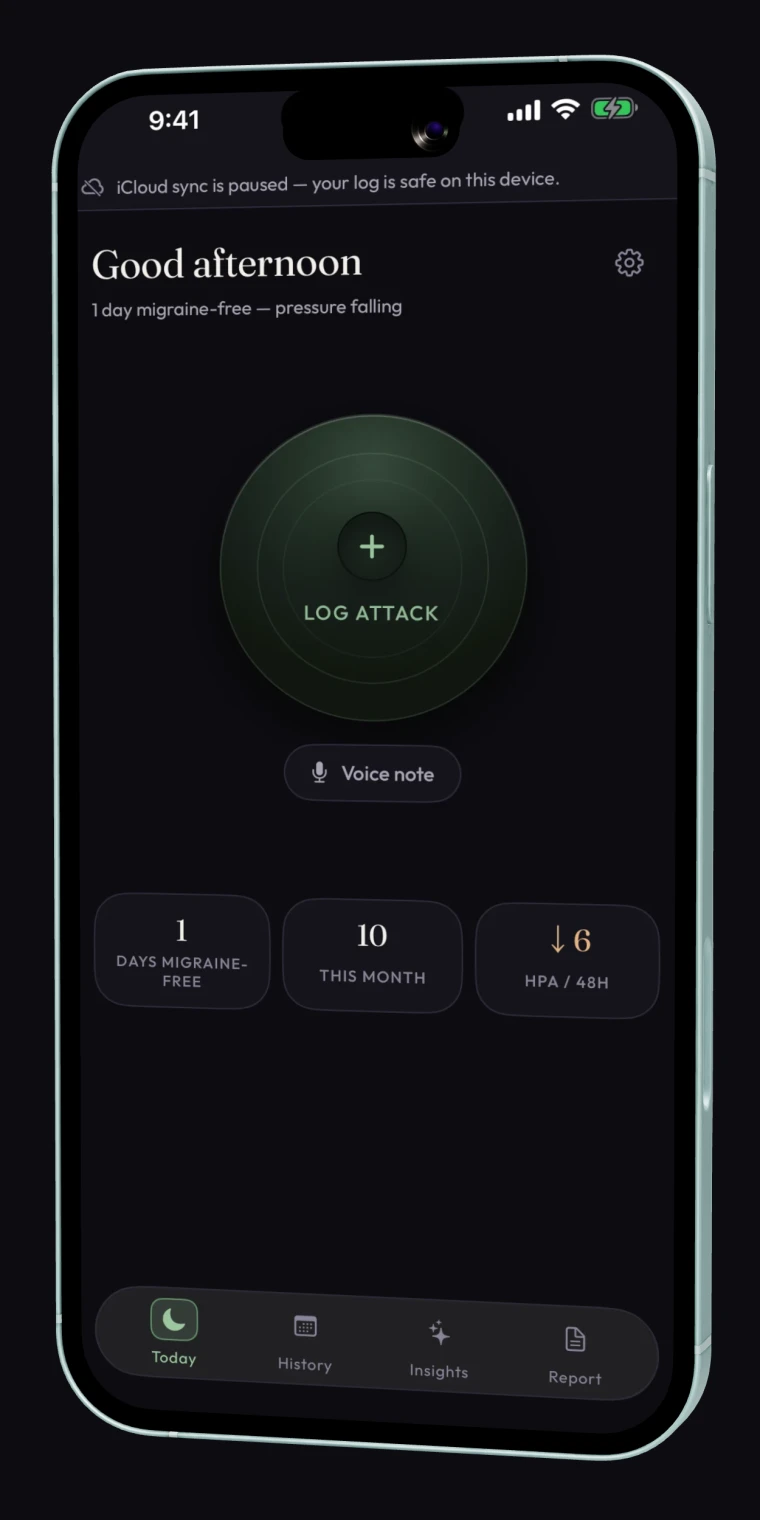
DimLogAI Today screen on iPhone: one large Log attack button, a voice-note shortcut, and tiles showing days migraine-free and falling barometric pressure.
How it works

Everything for the attack.
Nothing you don't need.

Six screens that carry you from the first twinge to your neurologist's desk.

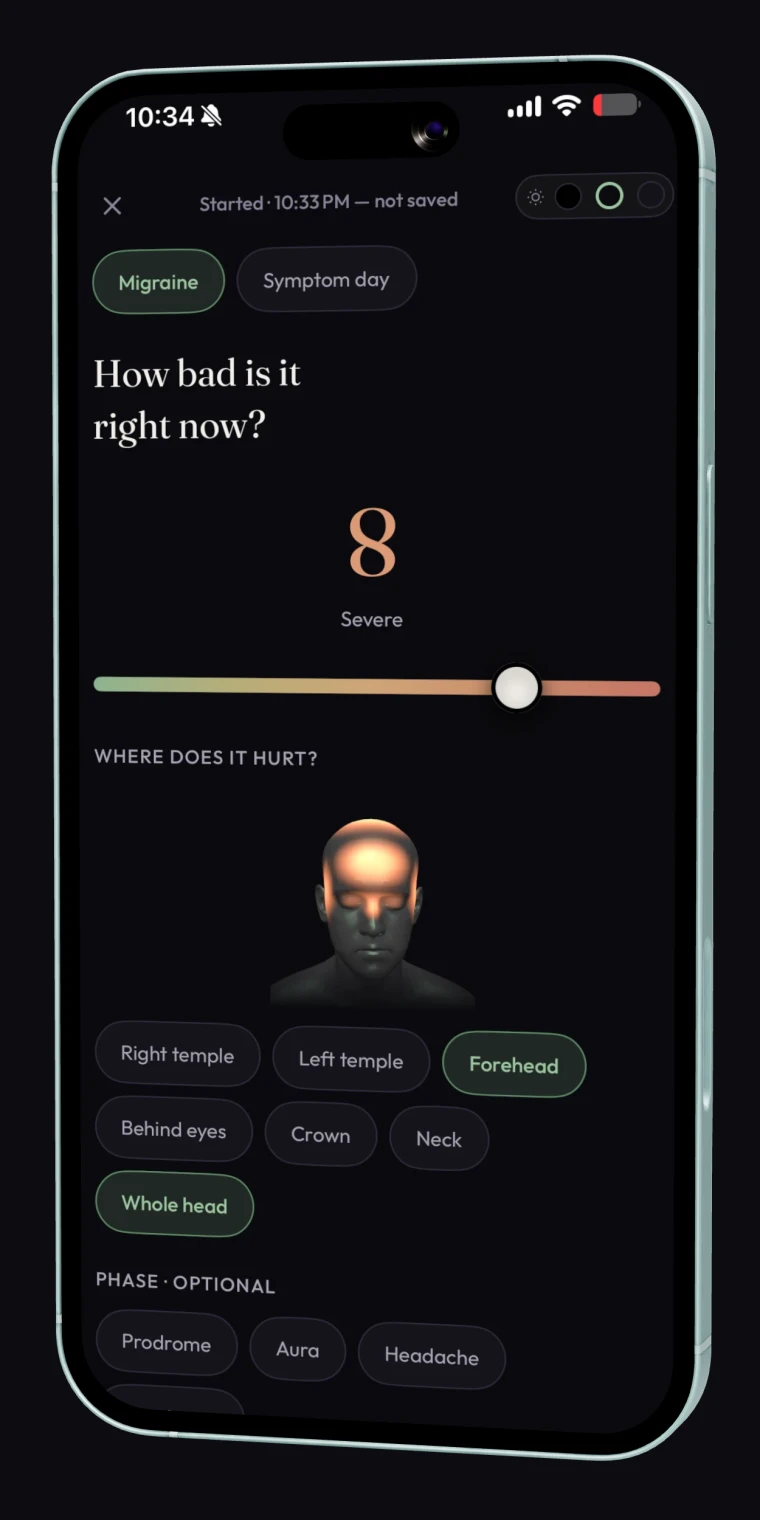
DimLogAI attack screen: a How bad is it right now intensity slider set to 8, Severe, over a 3D head diagram with pain locations selected.
01 · LOG THE ATTACK

One tap. Even in
a dark room.

A true-black attack screen, one question at a time, every field skippable and save always a tap away. The accent is green, not blue — chosen from photophobia research so it's a screen you can bear to look at.

Brightness floor: Black · Dim · Soft
Start logging free
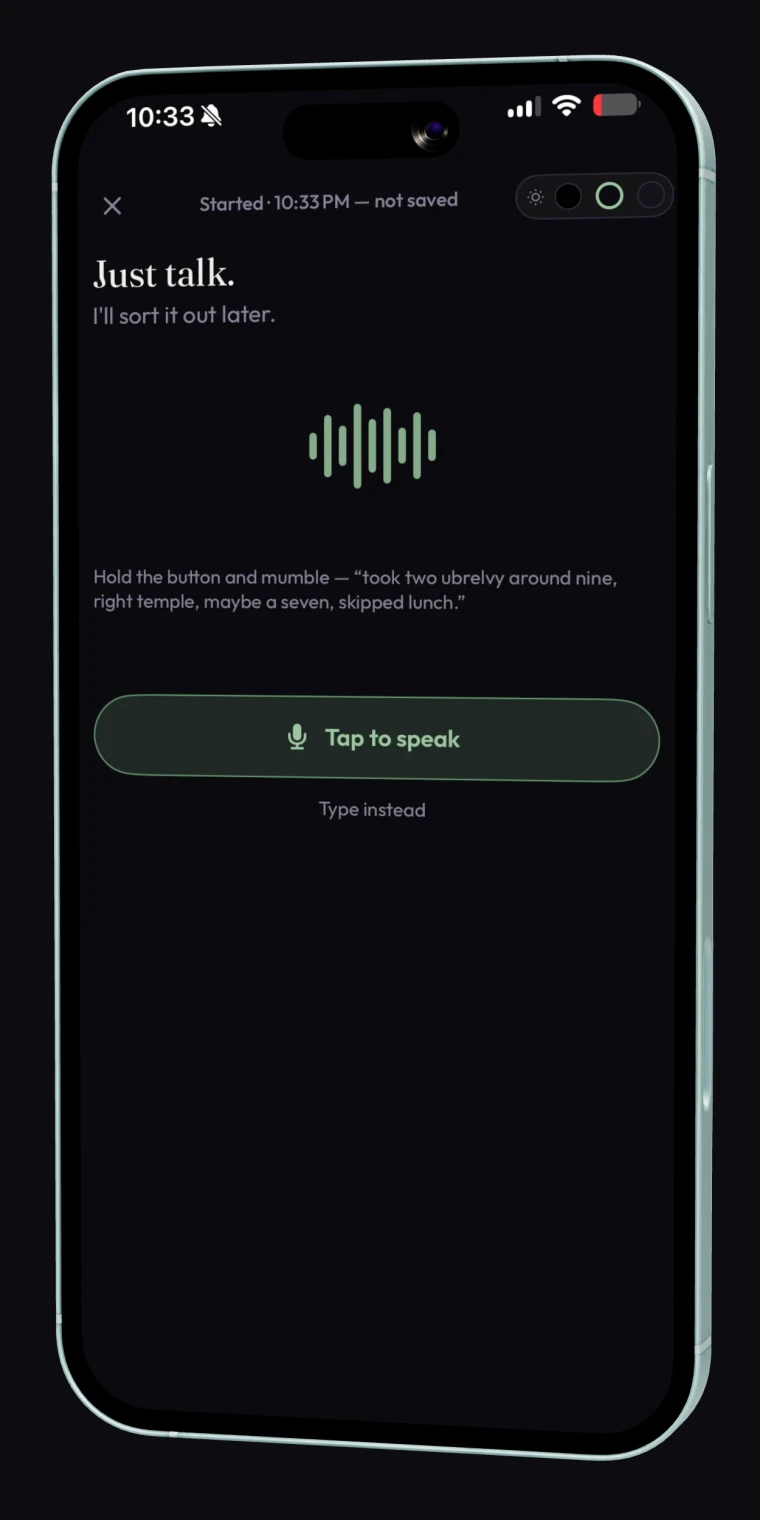
DimLogAI voice logging screen titled Just talk, with a live waveform and a Tap to speak button.
02 · OR DON'T EVEN TAP

Too wiped to
tap? Just talk.

Hold the button and mumble — “took two Ubrelvy around nine, right temple, maybe a seven, skipped lunch.” On-device transcription turns it into meds, pain location, intensity and suspected triggers you confirm with one tap.

Try voice logging
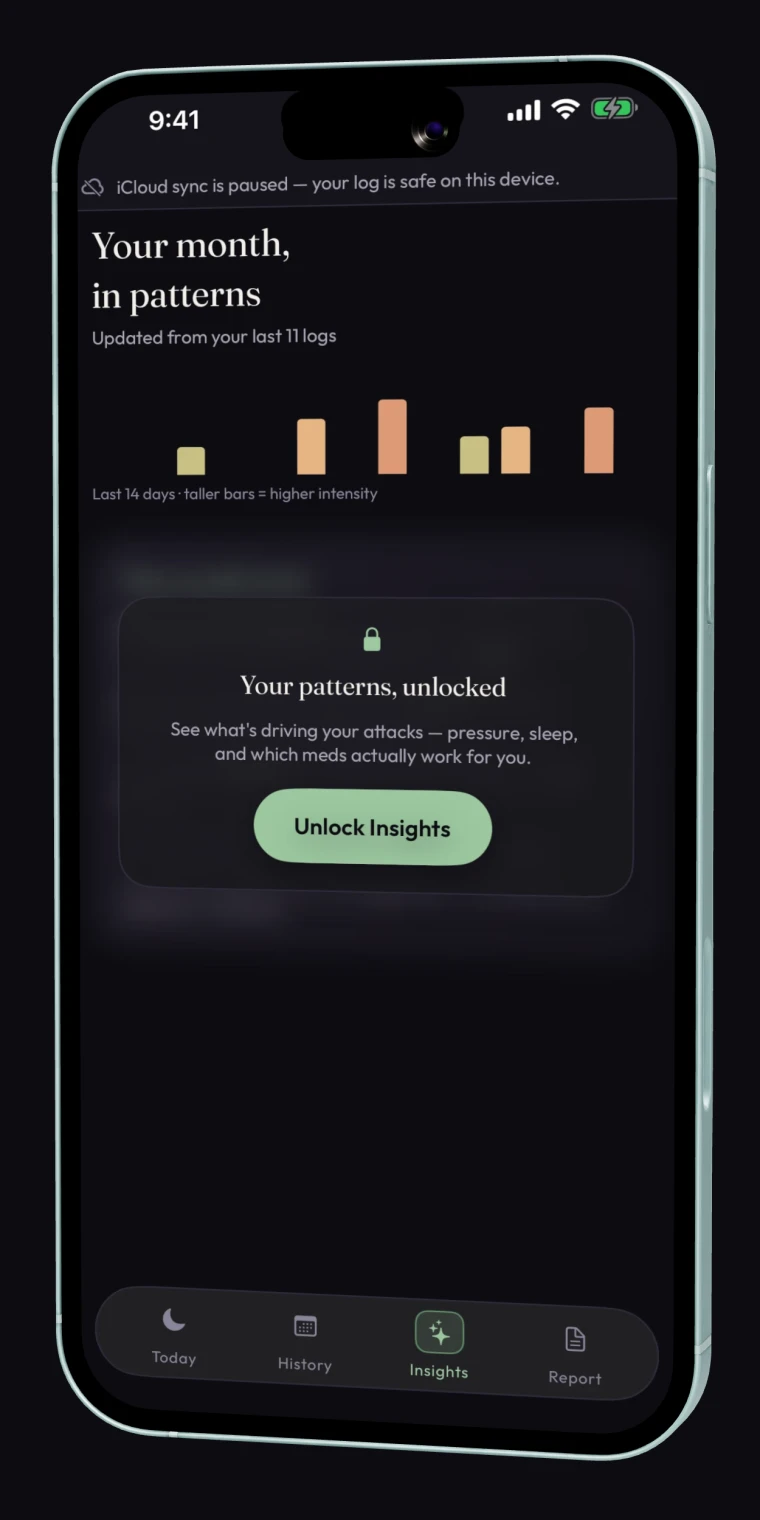
DimLogAI Insights screen titled Your month in patterns, with an intensity bar chart and a card to unlock what's driving your attacks.
03 · SEE THE PATTERN

See what's
setting yours off.

A weekly brief written from your own log — pressure swings, short sleep, skipped meals, which meds actually worked — with honest confidence labels. Correlations in your data, never medical advice.

Premium
Find my triggers
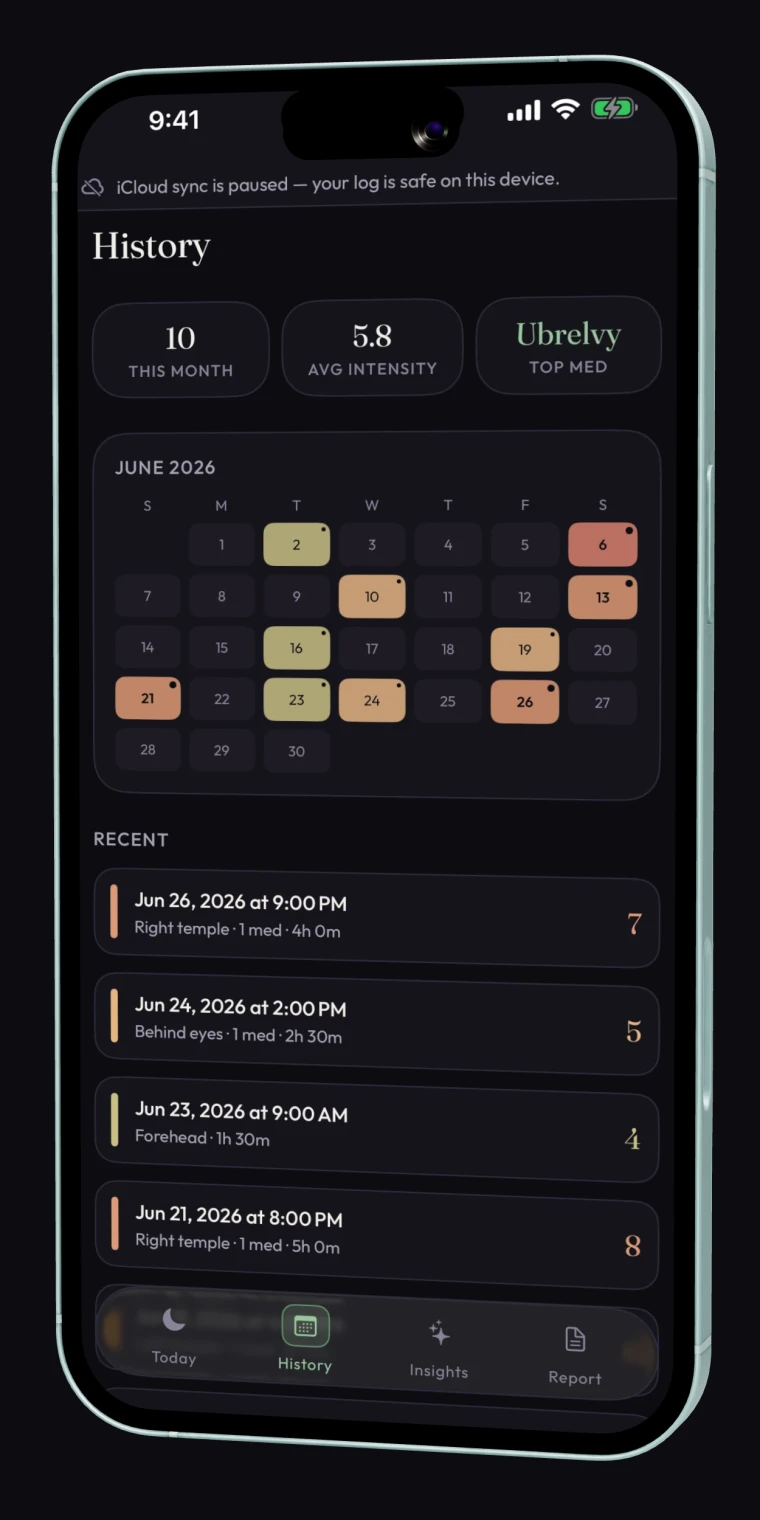
DimLogAI History screen: a June calendar heat-map colored by intensity, month stats, and a recent-attacks list.
04 · YOUR WHOLE STORY

Your month,
at a glance.

A color-coded calendar heat-map, your average intensity, your most-used med, and every attack a tap away — so the shape of your month is obvious before you say a word.

Start your diary
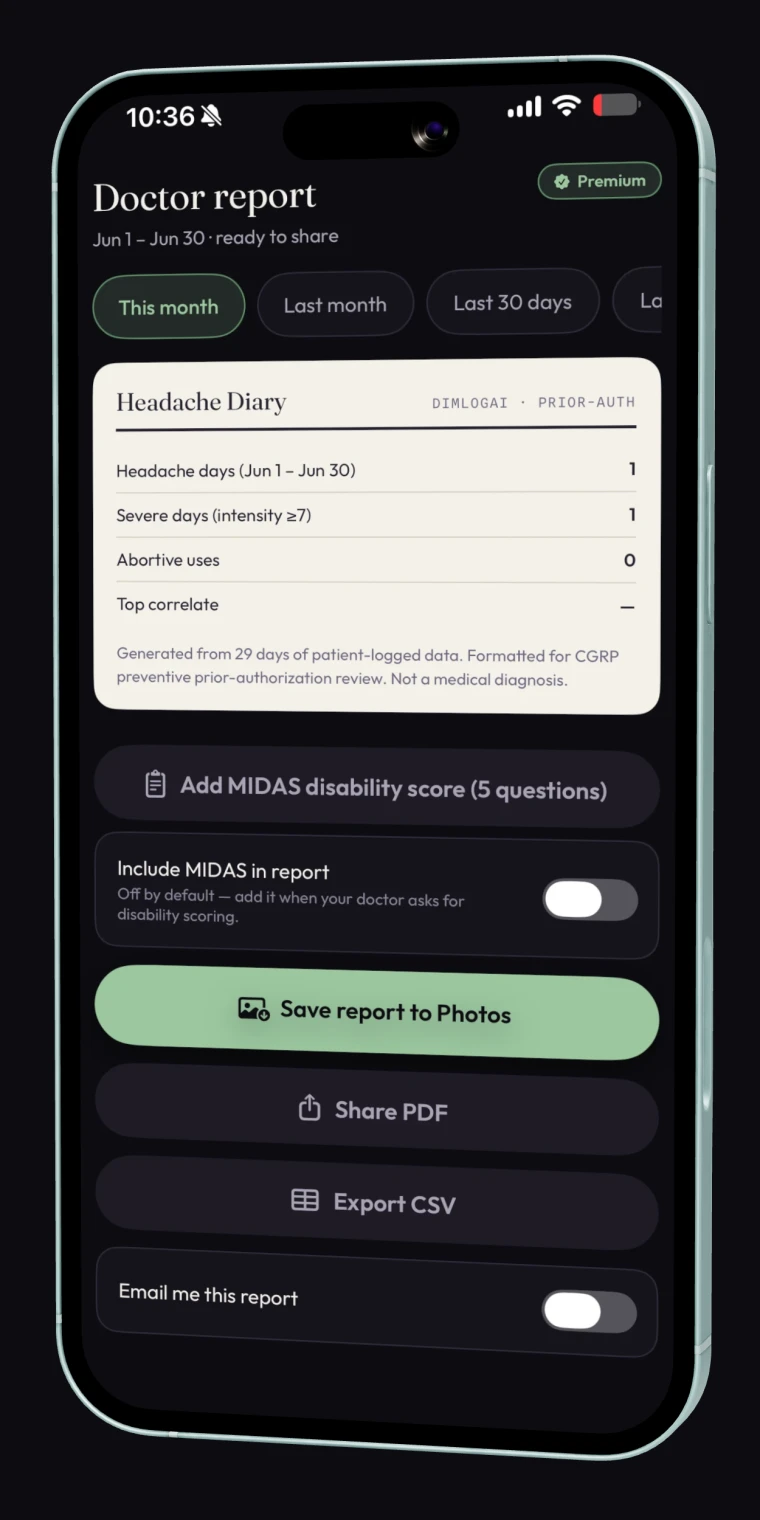
DimLogAI Doctor report screen: a Headache Diary card with headache days, severe days and abortive uses, plus Save to Photos, Share PDF and Export CSV.
05 · WALK IN WITH PROOF

The report your
doctor asks for.

One tap builds a clean headache diary — headache days, severe days, medication use and your MIDAS score — to save, share as a PDF, or export as a spreadsheet. Formatted for appointments and CGRP prior-authorization reviews.

Get the report
Automatic context

You log the attack.
The app does the homework.

DimLogAI quietly watches the things you can't — and attaches them to every attack you log, so the picture builds itself.

Barometric pressure↓ 6.2 hPa / 48h
Last night's sleep5h 41m
Cycle phaseDay 24 · luteal
Weather at attack31°C · humid
Privacy

We're not in the data business.

Your migraine diary lives on your iPhone and syncs privately through your own iCloud — not our servers. We know you only by an anonymous ID; no name or email is required. Your data is used for one thing — your own insights — and it's never sold or shared with advertisers, pharma, or anyone else. Export it or delete it whenever you want.

On your device & your iCloud Anonymous — no name or email needed Never sold, never shared Yours to export or delete anytime Every notification is opt-in

Read the full privacy policy →

Pricing

Logging is free. Forever.

Insights, trigger detection and doctor reports are one fair price — about a quarter of what the big tracker charges. And everything is free to use during the beta.

Monthly
$6.99/mo
Cancel anytime in Settings
Weekly pattern briefsTrigger correlationDoctor reports — save, PDF or emailMedication efficacy log
Start monthly
Best value
Annual
$39.99/yr
$3.33 a month, billed yearly
Everything in MonthlyA full year of pattern historyPriority support
Start annual
Lifetime
$79 once
One payment. Yours forever.
Everything in AnnualEvery future premium featureNo renewals, ever
Buy lifetime

The free tier is real: unlimited attack logging, voice capture, automatic context and your full history — no time limit, no bait.

Questions

The things people ask first.

What's the best app for tracking migraines?
The best migraine tracker is the one you'll actually use during an attack. DimLogAI is built for exactly that — one-tap or voice logging that works even in a dark room — then it finds the patterns in your data and turns them into a doctor-ready report. It's free to log, with optional premium insights.
How do I get DimLogAI?
DimLogAI is currently in a free public TestFlight beta for iPhone. Tap Join the free beta to install it through Apple's TestFlight app, use every logging feature, and help shape the app before its App Store launch.
Is DimLogAI free?
Yes. Logging is free forever with no time limit: unlimited attack logging, voice capture, automatic context, and your full history. Premium adds pattern insights, trigger correlation and doctor reports for $6.99 per month, $39.99 per year, or $79 once for lifetime access — and it's free to use during the beta.
Can I log a migraine during an attack, with the lights off?
Yes — that's the whole point. DimLogAI has a true-black attack mode with one question per screen, every field skippable, and a one-tap save. You can also just tap the mic and speak; on-device transcription turns it into structured details you confirm later.
Does DimLogAI track barometric pressure and weather automatically?
Yes. DimLogAI automatically attaches barometric pressure, weather, sleep and cycle phase to every attack you log, so you can see how pressure drops and other conditions line up with your migraines — without entering any of it by hand.
What barometric pressure changes can trigger a migraine?
Many people report attacks around sudden drops in barometric pressure, often a change of roughly 5 to 6 hPa over the day or two before or as a weather front moves in. Triggers are individual, though — DimLogAI tracks pressure automatically so you can see your own threshold instead of guessing.
Can DimLogAI create a report for my doctor?
Yes. With one tap DimLogAI builds a clean, doctor-ready report — headache days, severity, medication use and your MIDAS score — that you can save as an image, share as a PDF, or email to yourself. It's formatted for the appointments and prior-authorization reviews that ask for it.
Is my migraine data private?
Yes. Your diary lives on your iPhone and syncs through your own iCloud, not our servers. We know you only by an anonymous ID — no name or email required. Your data is used for one thing, your own insights, and is never sold or shared. Export or delete everything anytime.
DimLogAI app icon

Start logging tonight.
Lights optional.

Free to log · iPhone · iOS 17+ · via Apple TestFlight